
Tiny Hackers
Tiny Hackers
Tiny Hackers is a colorful keyboard-smashing playground designed for the youngest explorers of the digital world.
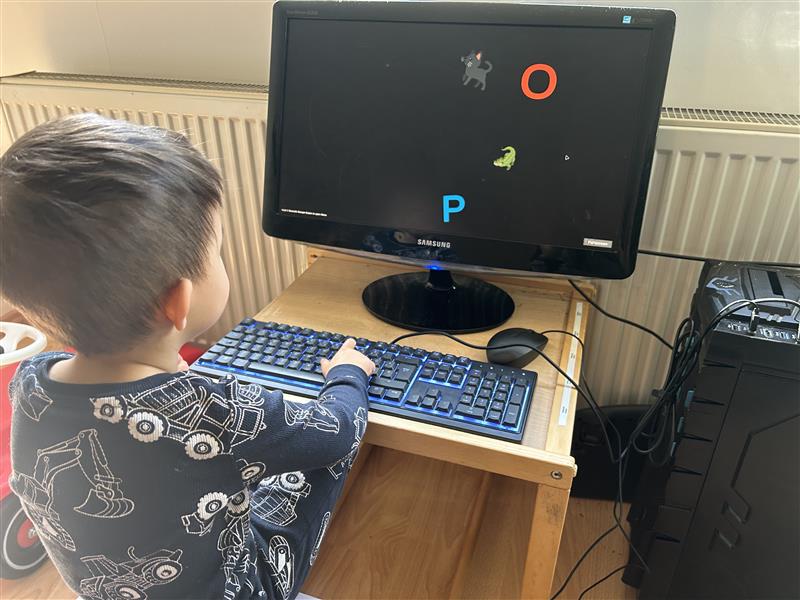
This game is made for toddlers and small children who love to sit next to their parents and tap wildly on the keyboard. Instead of accidentally closing windows or breaking things, every key press becomes part of a playful experience.
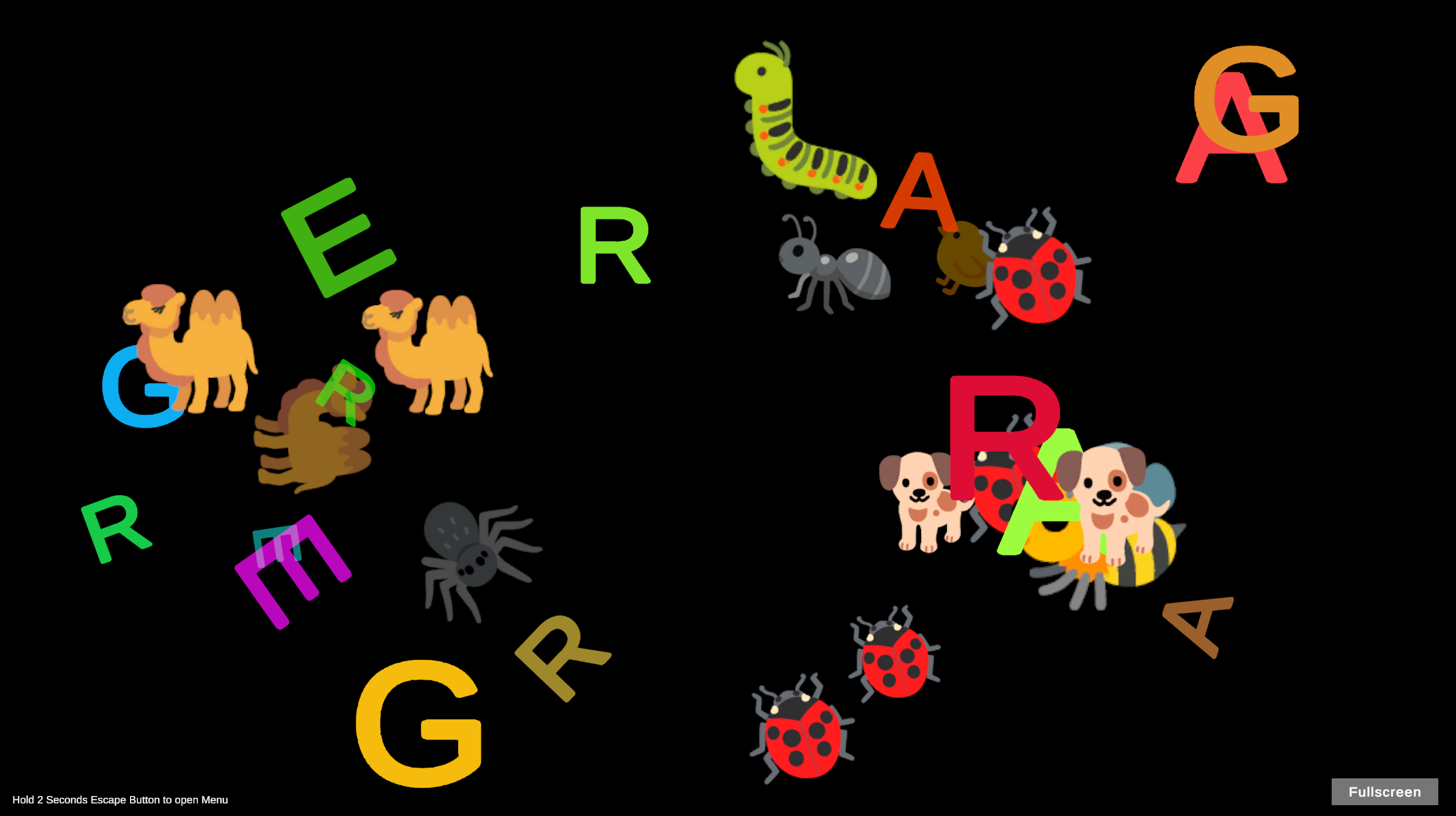
Press any key and watch letters and numbers appear in bright colors, spinning and fading away across the screen.
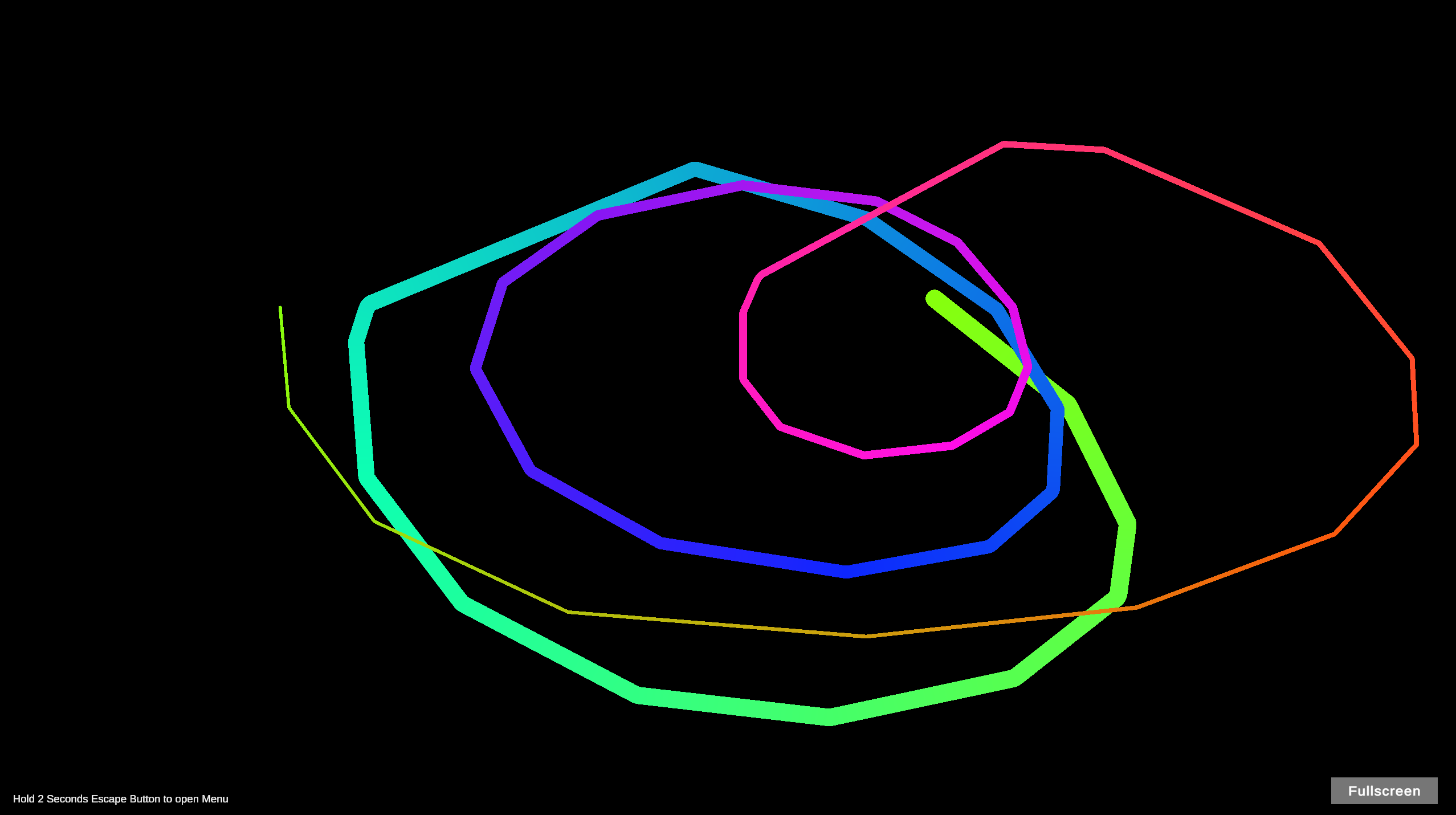
Special keys trigger fun emojis, and the rainbow mouse cursor sparkles with magical effects as it moves.
It’s simple, safe, and endlessly entertaining for curious little hands.
Made by a Dad for His Kids
Tiny Hackers was created for my two children, who love to sit next to me while I work and smash the keyboard like tiny programmers.
Instead of stopping them, I decided to build something for them.
Now every key press creates something fun on screen.
Features
-
Colorful letters and numbers appear when pressing keys
-
40+ animal emoji reactions triggered by numpad and special keys
-
Rainbow sparkle mouse cursor
-
Designed for toddlers and small children
-
No menus, no scores, no pressure — just fun interaction
-
Works in Browser, Windows, and Linux
Web Version Limitations
Browsers reserve certain keys for system functions.
This means some keys like F11 (fullscreen) or F12 (developer tools) cannot be overridden in the Web version.
For the best experience we recommend the desktop builds.
Best Experience: Windows or Linux
For the smoothest experience we recommend running the Windows or Linux version.
The game has been tested on:
-
Windows 10
Windows 11
Ubuntu
-
Linux Mint
-
AlmaLinux
Why Linux works great
Linux allows parents to disable certain system keys (like power keys or shortcuts) through keyboard settings, making the game even safer for children.
Important Information for Parents
To open the menu:
Hold the ESC key for 2 seconds
Alternative way to exit the game:
Press ALT + F4
Linux Launch Tip
On some Linux systems the executable flag may not be set.
You can fix it via terminal:
chmod +x "Olymp Tiny Hackers.x86_64"
Or with a graphical interface (like Linux Mint):
-
Right click the file
-
Open Properties
-
Go to Permissions
-
Enable "Allow executing file as program"
A Tiny Playground for Future Hackers
Sometimes the best way to introduce kids to computers is simply letting them play, explore, and smash the keyboard.
Who knows… maybe the next great programmer starts here.
More Free Games
If you enjoy clean skill-based browser games, check out more titles on Olymp Games:
olymp.games → Free games, no installs
No ads. No installs. No bullshit.
Legal Informations:
We are using, Leaderboards in many of our games and for that we provide you with Legal Informations you can check under our website Terms and Privacy
Download
Click download now to get access to the following files:
Leave a comment
Log in with itch.io to leave a comment.